Asset monitoring for facilities and plants: every asset, its state and its health.
Asset monitoring shows the live state and health of every piece of equipment and every device that reports on it. Aqueduct classifies each asset as running, drifting, stopped or silent, includes the health of the sensors themselves, and routes anything that needs attention so it is fixed and verified.
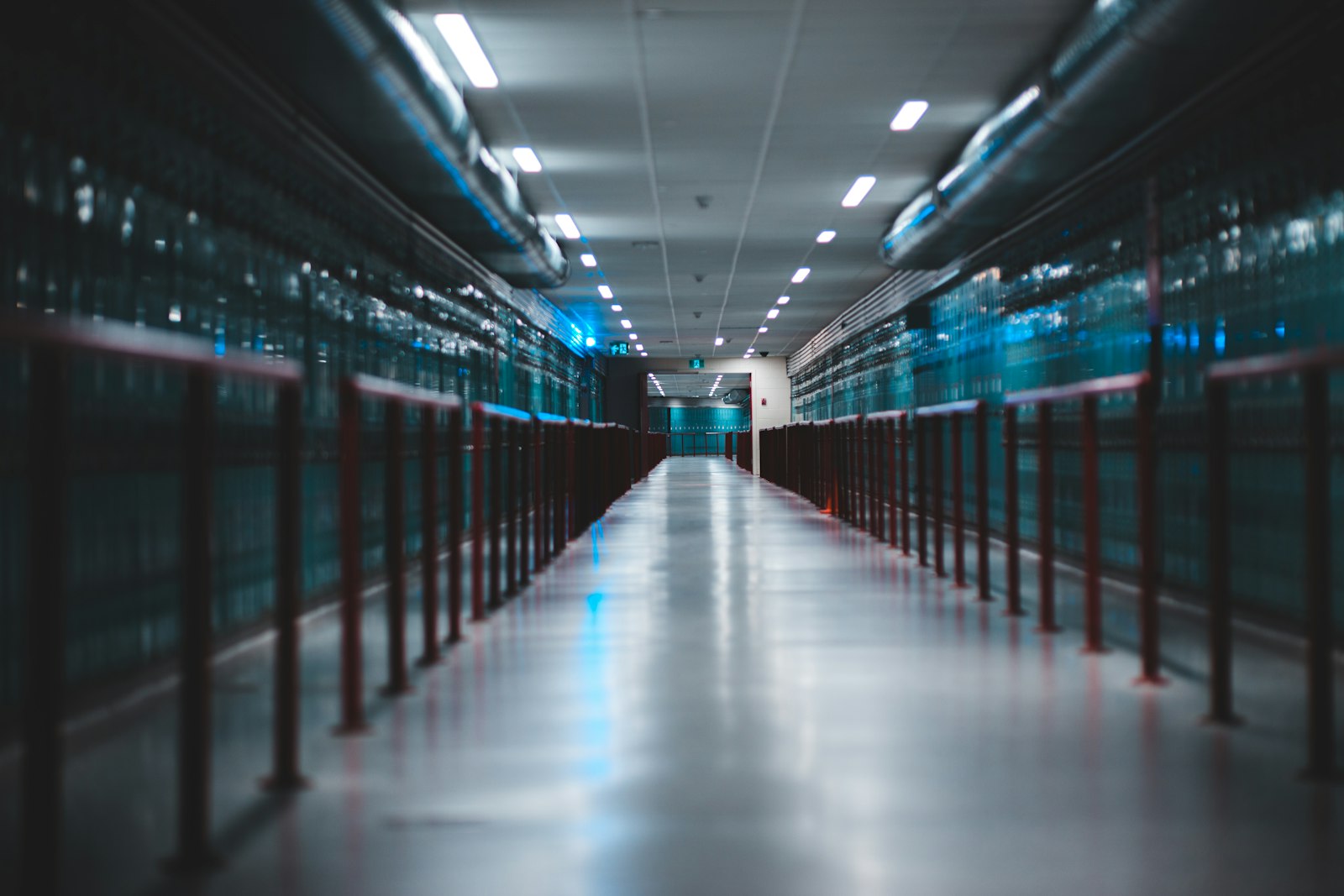
Every asset, its state and its health, so nobody walks the site to find out.
Sites, floors, zones and devices in one place
- On real floor plans
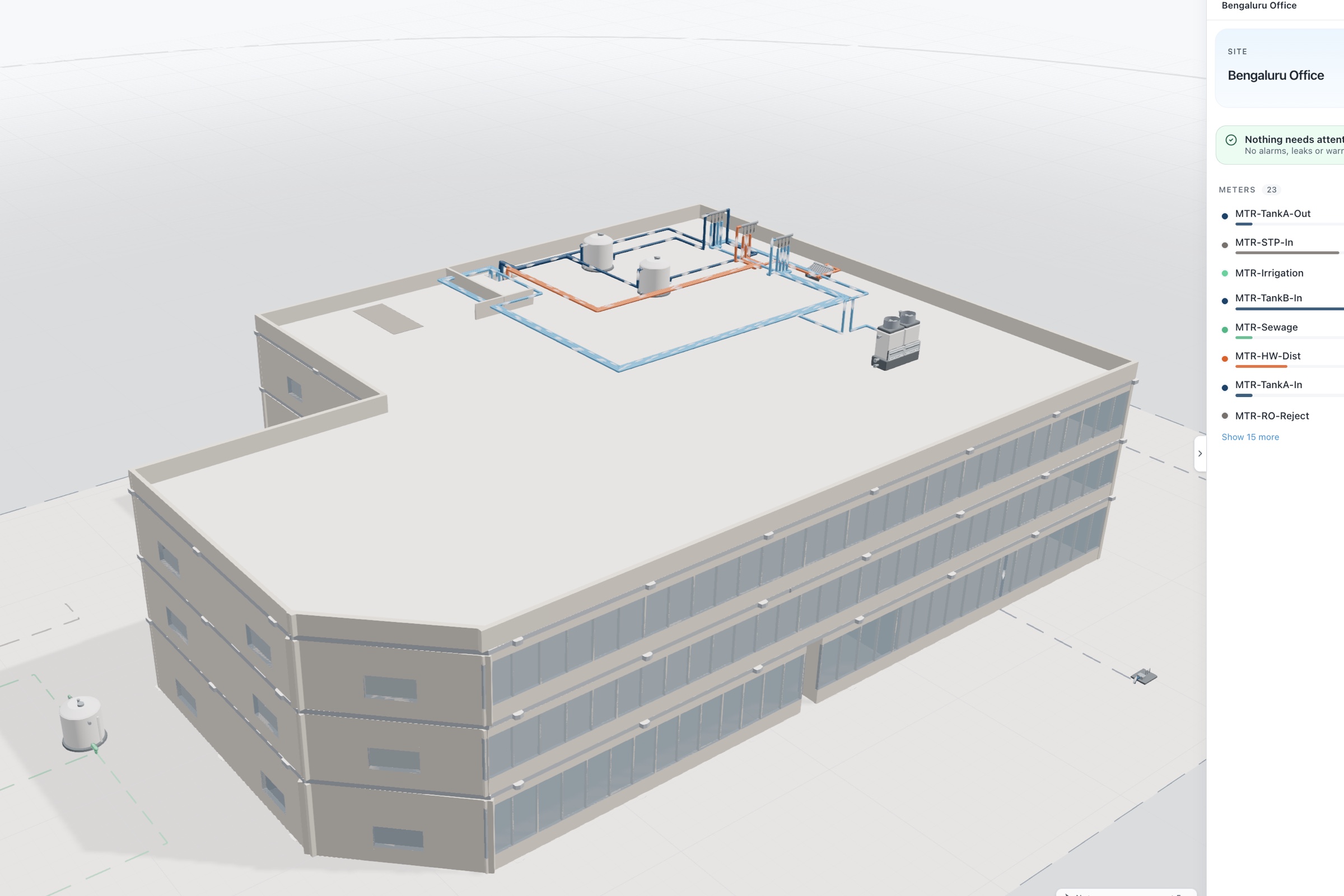
Every device sits on the site's CAD floor plan, including multi-floor buildings in one layout.
- Portfolio map
All sites appear on one map with their status, so a portfolio manager sees trouble first.
- Edit it yourself
Teams create zones and place devices themselves, without waiting on a developer for every change.

Every asset is running, drifting, stopped or silent
- Against expected behavior
Each asset is classified against its own expected pattern and baseline, not a fixed threshold.
- Drift caught early
Equipment slowly moving off normal is flagged before it reaches a stop.
- Per component performance
Component health, target attainment and runtime share show which part of an asset is struggling.

Know which sensor to believe and which to replace
- Device health
Connection rate and battery or capacitor voltage per device show data quality at a glance.
- Right device, right place
A failing sensor is named by location, so a technician goes straight to it.
- Ask the platform
aQ Assistant answers which assets changed this week and warns when data coverage is thin.
Asset visibility, before and after Aqueduct
- The asset register lists equipment but not what it is doing.
- A meter goes silent and nobody notices for weeks.
- Equipment drifts off normal with no alert until it stops.
- Finding a dead battery means walking the whole building.
- Each system shows its own assets in its own tool.
 The Aqueduct way
- Every asset shows its live state: running, drifting, stopped, silent.
- Silent devices are flagged as soon as reporting stops.
- Drift against baseline is flagged before the asset stops.
- Device health names the sensor and its exact location.
- One hierarchy holds every asset across water, energy and air.
What assets look like without Aqueduct
Most teams cannot answer a simple question: is everything running as it should right now?
Asset lists, not asset states
The register says what equipment exists. It does not say what each piece is doing.
Silent sensors
A meter stops reporting and nobody notices until a report is missing data.
Drift before failure
Equipment slowly moves off its normal behavior with no alert until it stops.
Walking the site
To find which device needs a battery or a repair, someone walks the building.
How asset monitoring works
Powered by aQ PredictIQ on aQ Core.
Locate everything
Every site, floor, zone, device and piece of equipment sits in the aQ Core hierarchy, on real floor plans.
Read state and telemetry
Meters, sensors, BMS points and field devices report into one data layer. Each device has data, health, events and event group views.
Check the sensors themselves
Device health reports connection rate and battery or capacitor voltage, so you know which device at which location needs attention.
Classify the asset
Running, drifting, stopped or silent, against each asset's expected behavior and baseline. Performance shows per-component health and runtime share.
Route and verify
Assets that need attention are routed to your CMMS or EAM, and their state is confirmed after the work.
One silent asset, start to finish
An illustrative case across a multi-site portfolio.
Meters and sensors across the portfolio report into aQ Core.
Each device has an expected reporting rate and each asset an expected operating pattern.
A sub-meter on a cooling line has gone silent, and its battery voltage was falling before it stopped. Aqueduct names the device and its location.
A ticket goes to the CMMS to replace the battery at that location, with the health history attached.
The meter reports again and its connection rate returns to normal. The balance it feeds closes again.
Problem, solution, impact
No live view of what equipment is doing.
Every asset classified by state and health.
Problems seen before they become outages.
Silent meters leave gaps in the balance.
Device health watched alongside the data.
Balances and baselines that can be trusted.
Assets drifting into waste.
Asset energy compared with its own baseline.
Drift caught early and priced.
What you get
One hierarchy
Sites, floors, zones, devices and equipment in aQ Core.
Four clear states
Running, drifting, stopped, silent.
Device health
Connection rate and battery or capacitor voltage per device.
Per-component performance
Component health, target attainment and runtime share.
Portfolio view
Sites listed with status on one map.
Ask the building
aQ Assistant answers which asset changed, with the evidence attached.
Related terms and standards
Where teams put it to work
Many client sites, one view
Service providers see every client site, device and asset state in one hierarchy, so crews are dispatched to the right place.
Learn more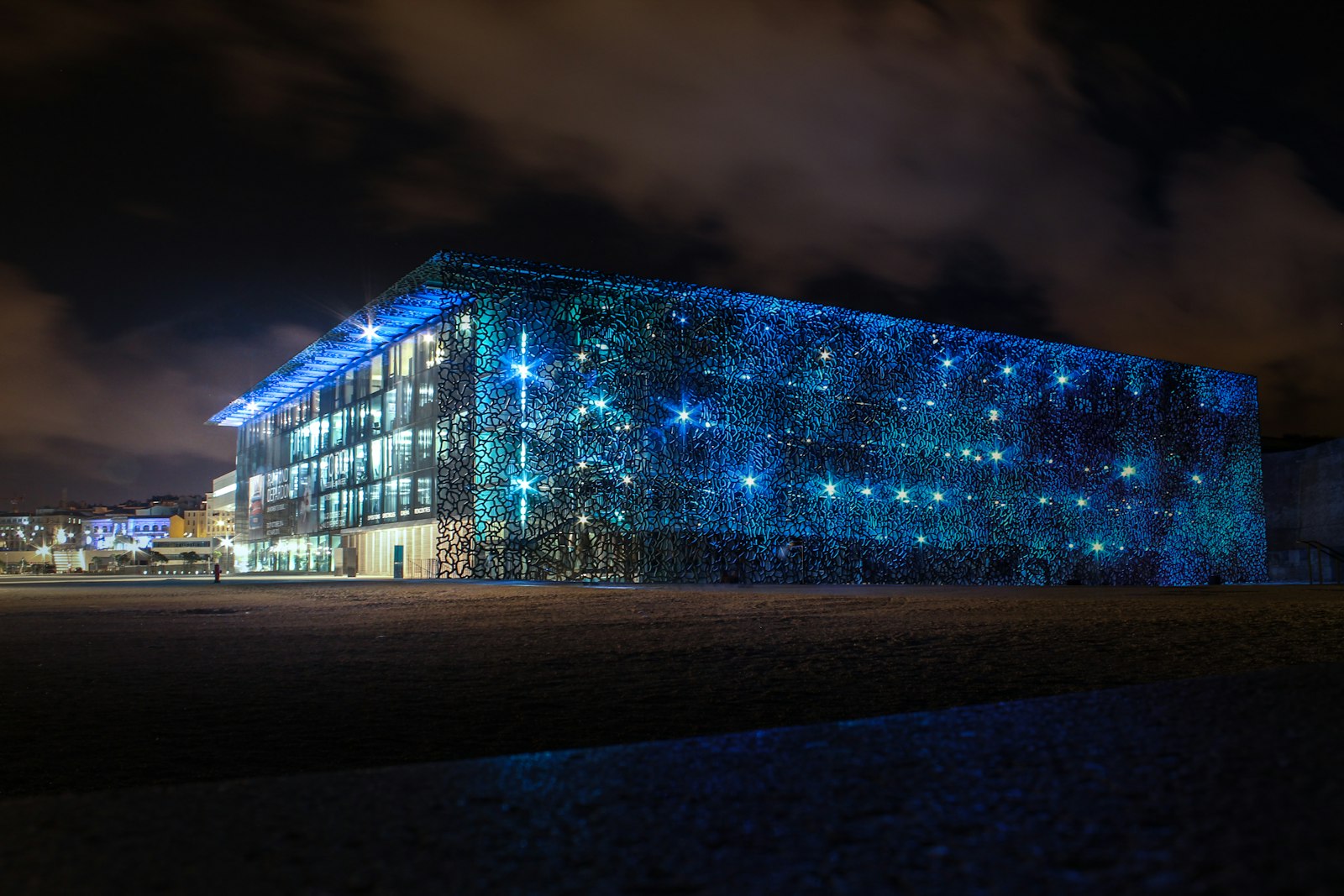
Supporting plant you can trust
Meters and sensors on cooling and power plant report their own health, so the data behind every decision is trusted.
Learn more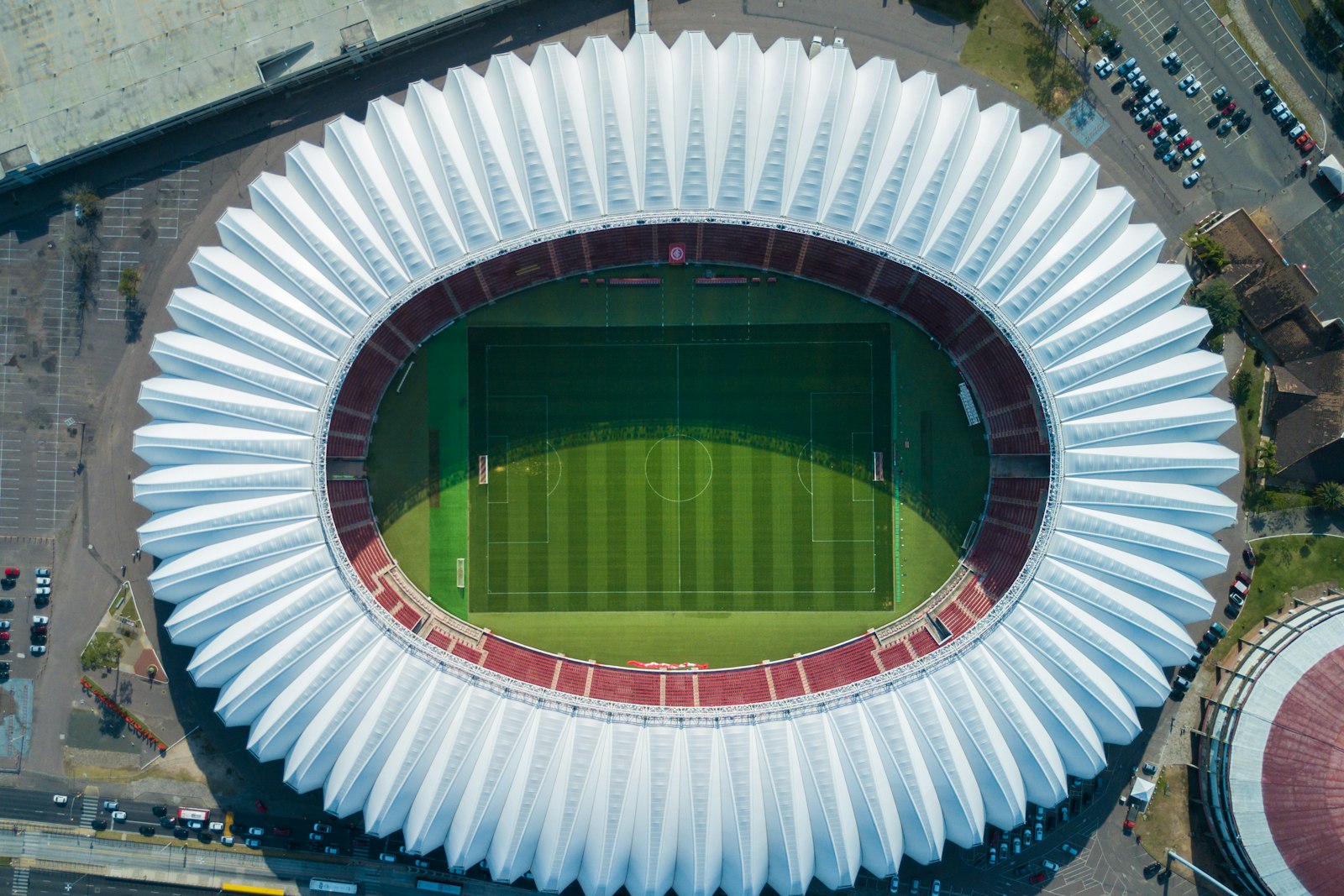
Large venues between events
Equipment state across a venue is visible between events, so problems are fixed before the next crowd arrives.
Learn moreRelated
Common questions
It is the live view of what each piece of equipment and each reporting device is doing and how healthy it is.
A device or asset that has stopped reporting. Aqueduct flags it, and device health often shows the warning signs, such as falling battery voltage, beforehand.
No. Aqueduct integrates with your EAM and CMMS. They remain the systems of record for assets and work.
Anything that emits telemetry, including water, electricity and gas meters, air quality sensors, vibration and acoustic sensors, and equipment connected over Modbus or BACnet.
See Aqueduct on your own facility.
Bring a site, a utility bill or a question. We will show you where the loss is.