AI HVAC optimization that adjusts with approval and proves every saving
AI HVAC optimization uses live data and models to run heating, cooling and ventilation at the lowest energy that still meets comfort and air targets. Aqueduct baselines each site against weather, runs strategies such as demand-controlled ventilation, supply air temperature reset and load sequencing where control is enabled with owner approval, and verifies savings at the meter. Customers see 10 to 35% energy savings.
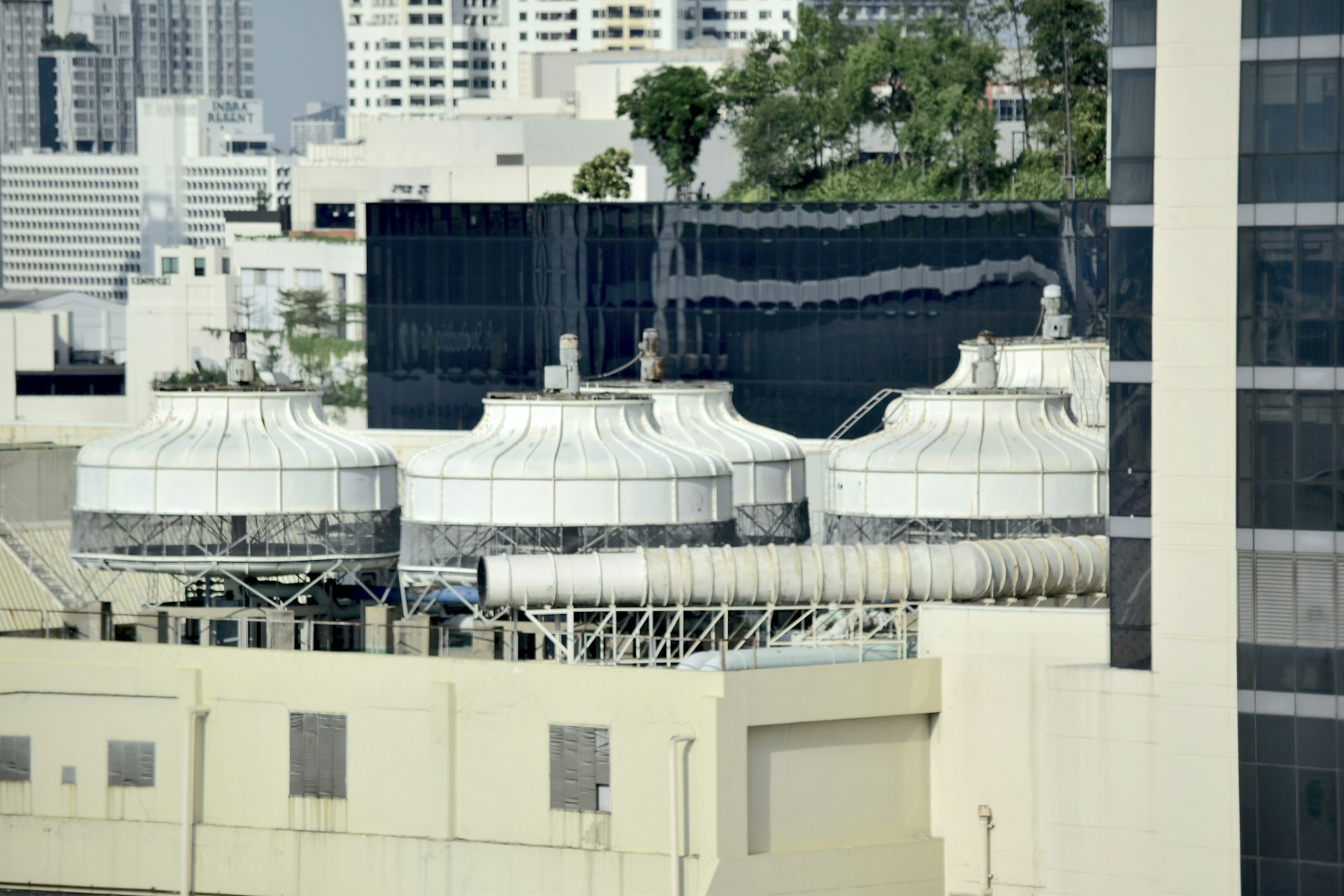
Run every unit at the lowest energy that still meets comfort and air targets.
Every saving measured against what the weather demanded
- Degree-day regression
Usage is regressed on cooling and heating degree days to give an expected value for every period and site.
- Day-one baseline
Uploading 6 to 12 months of utility bills sets the baseline before new metering is fully in place.
- Savings in money
Rate configuration from your own bills turns the gap between expected and actual use into cost.
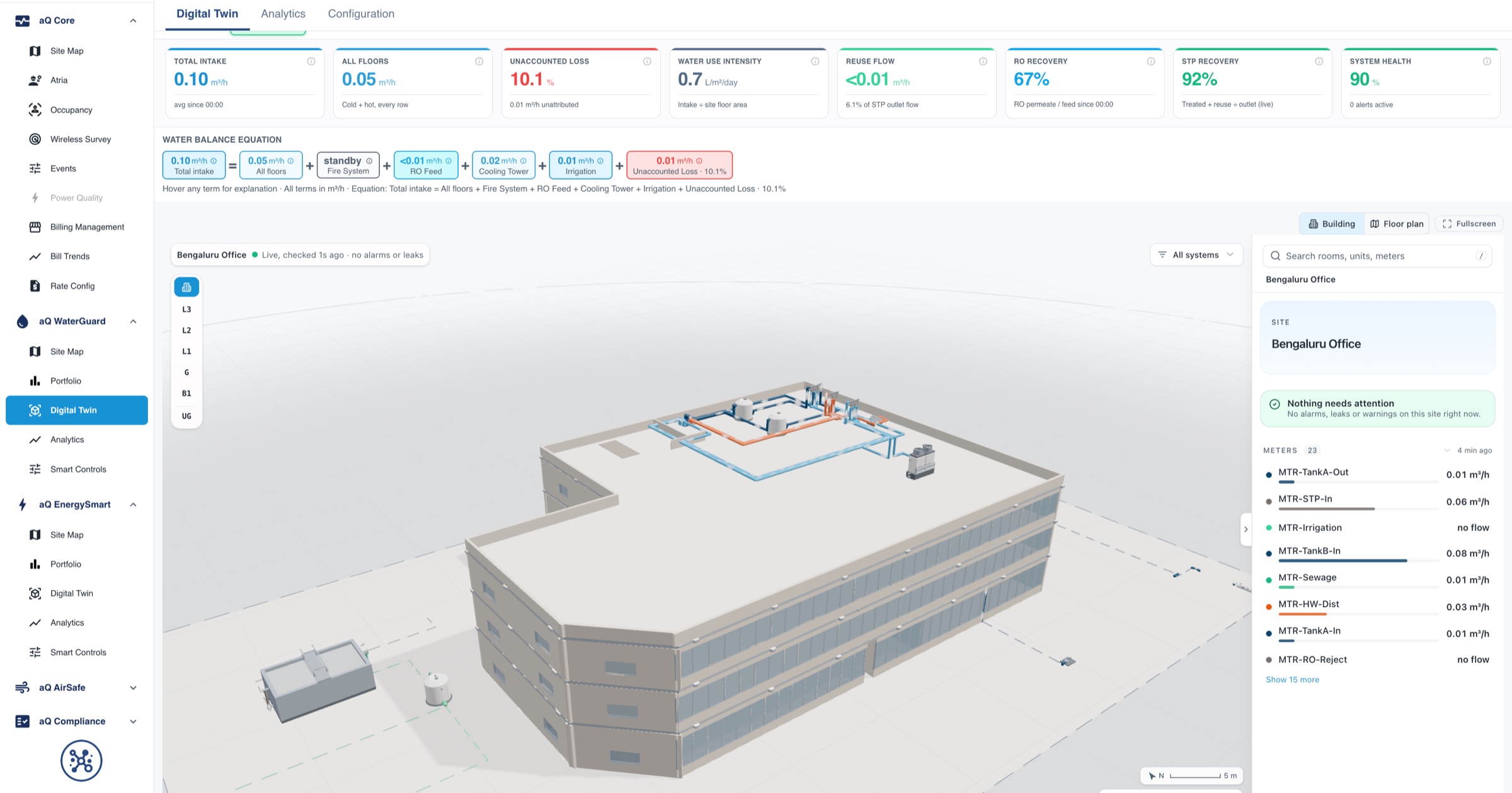
Ventilation and supply air matched to real conditions
- Demand-controlled ventilation
Outdoor air follows measured CO2 and occupancy, boosting when rooms fill and easing back when they empty.
- Supply air reset
Supply air temperature rises when zones are satisfied, trimming cooling and reheat without losing comfort.
- Occupancy schedules
Occupancy from sensors or defined schedules triggers automation rules for each site, floor or zone.

Loads sequenced and chillers run to the cooling load
- Load sequencing
Large loads are staggered so refrigeration, pumps and chillers do not all start in the same interval.
- Plant efficiency
Chiller efficiency in kW per ton comes from electrical input measured against cooling output.
- Plant strategies
Chilled water reset, pump pressure reset and chiller sequencing are recommended from measured data.
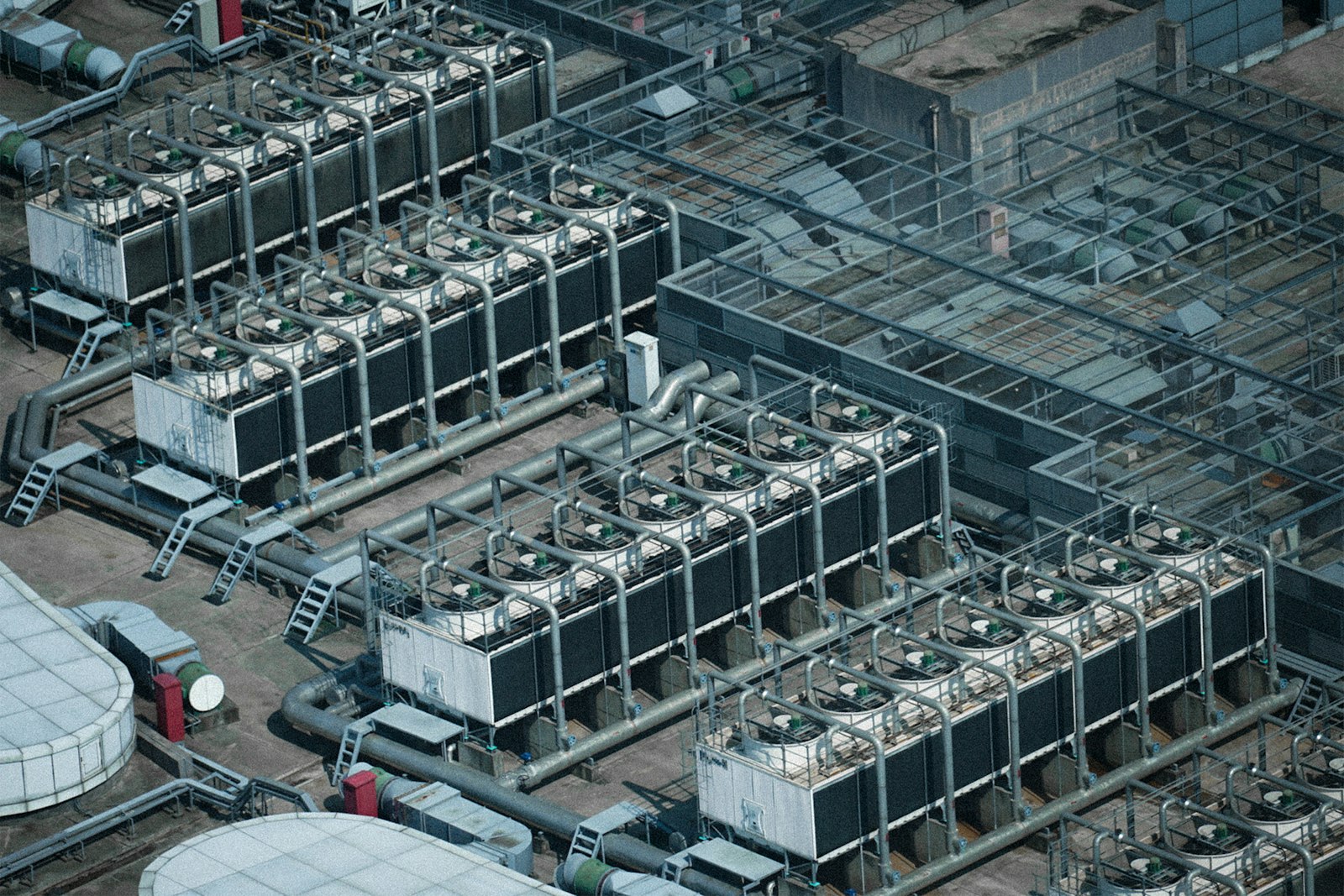
Building optimization, before and after Aqueduct
- The plant is tuned once and drifts back within months.
- Outdoor air runs at the design rate into empty rooms.
- Chillers, pumps and loads start together and set the peak.
- Savings are judged by comparing this year's bill to last year's.
- Nobody can show which setpoint change saved what.
 The Aqueduct way
- Strategies run continuously and drift shows against baseline.
- DCV sets outdoor air from measured CO2 and occupancy.
- Load sequencing staggers starts against the demand profile.
- Savings are measured against a weather-normalized baseline.
- Command history ties every change to its measured result.
Why HVAC optimization rarely sticks
Most buildings have been tuned at least once. Few can show the saving a year later.
Savings nobody can prove
Without a weather-normalized baseline, a mild month looks like a win and a hot month looks like a failure.
One-off tuning
The plant is tuned once at commissioning. Schedules, setpoints and overrides drift back within months.
Fixed ventilation
Outdoor air is sized for a full building and delivered to empty rooms all day.
Everything starts at once
Chillers, pumps and process loads start together and set a demand peak the tariff charges for all month.
Optimization strategies Aqueduct runs
Each strategy reads live data, acts where control is enabled with owner approval, and is measured against baseline.
| Strategy | What changes | What it reads |
|---|---|---|
| Demand-controlled ventilation (DCV) | Outdoor air follows measured CO2 instead of a fixed design rate | Zone CO2, occupancy, outdoor air damper position |
| Supply air temperature (SAT) reset | The supply air setpoint rises when zones are satisfied, spending less on cooling and reheat | Zone temperatures, supply air temperature, valve positions |
| Occupancy-driven schedules | Units and fans run to real use, by sensor or by schedule | Occupancy sensors or defined schedules per site, floor or zone |
| Load sequencing and peak demand | Large loads are staggered and shifted out of peak tariff windows | Facility load in kW, tariff bands, demand profile |
| Chilled water supply temperature reset | The chilled water setpoint rises whenever the load allows | Cooling load, valve positions, chiller power |
| Chiller sequencing | The right chillers run for the load | Cooling load, kW per ton, runtime per chiller |
| Pump and fan pressure reset | Pumps and fans slow once valves and zones are satisfied | Valve positions, loop differential pressure, duct static pressure |
| Economizer | Mild outdoor air provides free cooling | Outdoor air temperature, damper position, supply air temperature |
Recommendations or automated control, your choice
Each site decides how far optimization goes. Many start with recommendations and enable control asset by asset.
Recommend
Aqueduct proposes setpoint and schedule changes with the evidence and the expected effect. Your team, BMS or plant manager carries them out.
Approve
Owners enable control per asset and per strategy. Nothing is written to equipment until that approval is in place.
Automate
Approved strategies run through Smart Controls over BACnet or Modbus via the field device network controller, or LoRaWAN relays for simple loads.
Protect
Lockouts block commands mid-action to prevent short cycling, and setpoint attainment and comfort compliance are tracked on every unit.
Verify
Savings are measured against the weather-normalized baseline, including any added pump or fan energy, and priced from your own rates.
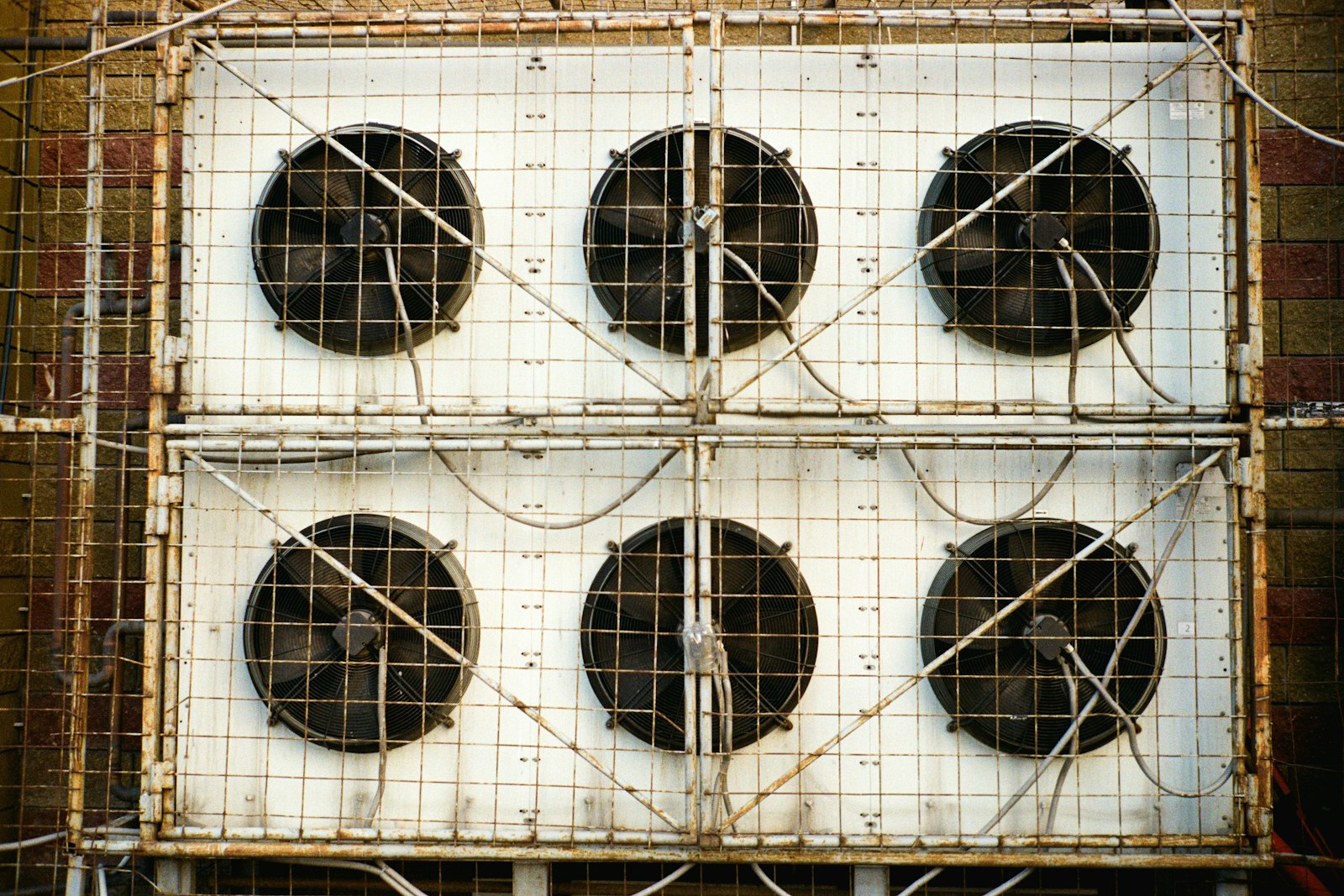
One optimization, start to finish
An illustrative rooftop unit serving an office floor.
The RTU, zone temperature and CO2 sensors and the HVAC feeder report into aQ Core every 60 seconds.
HVAC energy runs above its weather-normalized baseline on weekday afternoons with the floor half occupied.
Outdoor air is held at the design rate while zone CO2 stays low. DCV and an occupancy schedule are recommended.
With owner approval, DCV runs on the RTU through Smart Controls, with lockouts in place and every command logged.
HVAC energy settles below baseline, CO2 stays in range, and the priced saving becomes the new baseline.
Problem, solution, impact
What changes when optimization runs against a fair baseline.
HVAC savings claimed but never measured.
Weather-normalized baselines, with every strategy verified against them.
Chiller kW per ton tracked against its own baseline, with each saving verified at the meter.
Savings made by starving zones of fresh air.
DCV driven by measured CO2 and occupancy.
Ventilation that follows people, with CO2 kept in range.
Demand peaks set by loads starting together.
Load sequencing against the facility demand profile.
Peaks managed against the tariff, with every command logged.
Signals the optimization engines read
All on one data layer, refreshed every 60 seconds.
Where teams put it to work

Empty floors stop being conditioned
Occupancy from sensors or schedules drives RTU and AHU operation, with comfort compliance and CO2 tracked so savings never cost the people in the building.
Learn more
Portfolio savings compared on a fair basis
Aqueduct serves a commercial real estate client with a 20M+ sq ft portfolio. Sites are ranked against weather-normalized baselines to show which improved and which need attention.
Learn more
Demand peaks managed against the tariff
Facility load is tracked in kW, and large loads are sequenced or shifted out of peak tariff windows where control is enabled with owner approval.
Learn moreEight optimization strategies, opened up
Each strategy below has inputs it reads, logic it follows, guardrails it will not cross and a way its result is verified. Strategies run as recommendations by default. They act on equipment only where control is enabled, with owner approval, and every command is recorded in command history.
Run the right chillers for the load
Logic: compare the cooling load with each chiller's measured efficiency curve, and start or stop machines so the plant runs nearest its lowest plant kW per ton. A chiller is not added to cover low delta T alone.
- Inputs: load in tons, kW per chiller, delta T, run status and runtime
- Guardrails: minimum run and off times, chiller minimum flow, critical load redundancy kept
- Verified by: plant kW per ton at matched load bands, before and after
- Inputs
- tons, kW per chiller, delta T
- Guardrails
- min run and off times, redundancy
- Verified by
- plant kW per ton by load band
Chilled water supply temperature reset
Logic: raise the chilled water setpoint in steps while every coil valve has margin; step it back down when the most open valve nears its limit, in the trim and respond pattern described in ASHRAE Guideline 36.
- Inputs: coil valve positions, supply temperature, return humidity, pump kW
- Guardrails: space humidity limit, maximum setpoint, pump energy counted
- Verified by: chiller plus pump kW against the weather-normalized baseline
- Inputs
- valve positions, CHW temperature, humidity
- Guardrails
- dew point limit, pump kW
- Verified by
- chiller and pump kW
Condenser water temperature reset
Logic: set the condenser water target from wet bulb and load, aiming for the lowest combined chiller and tower fan kW rather than the coldest water possible.
- Inputs: wet bulb, condenser water temperatures, chiller and tower fan kW
- Guardrails: chiller minimum entering condenser temperature, tower fan limits
- Verified by: combined chiller and tower kW against baseline
- Inputs
- wet bulb, CW temperatures, fan kW
- Guardrails
- chiller minimum condenser temperature
- Verified by
- combined plant kW
Supply air temperature reset
Logic: raise supply air temperature while zones are satisfied and reheat is in use; lower it when zones call for cooling. Warmer supply air cuts cooling and reheat, at some cost in fan energy.
- Inputs: zone temperatures and cooling requests, supply air temperature, reheat valves
- Guardrails: humidity limit, minimum and maximum supply temperature, fan kW counted
- Verified by: AHU, chiller and reheat energy, with comfort compliance tracked
- Inputs
- zone demand, SAT, reheat
- Guardrails
- humidity, SAT limits, fan kW
- Verified by
- energy and comfort compliance
Duct static pressure reset
Logic: lower the static pressure setpoint until the most open VAV damper is close to fully open, then hold. The fan slows and its power falls steeply with speed.
- Inputs: VAV damper positions, duct static pressure, fan speed and kW
- Guardrails: minimum static, minimum airflow per box, rogue zones excluded
- Verified by: fan kW at similar airflow and weather
- Inputs
- damper positions, static, fan kW
- Guardrails
- min static, rogue zones excluded
- Verified by
- fan kW
Demand-controlled ventilation
Logic: set outdoor air from measured zone CO2 and occupancy, boosting as rooms fill and easing back as they empty. In the product this runs as a CO2 ventilation optimization rule with saving, boosting and override targets.
- Inputs: zone CO2, occupancy from sensors or schedules, outdoor air damper
- Guardrails: area based minimum outdoor air kept, CO2 ceiling, override on demand
- Verified by: HVAC energy against baseline with CO2 exposure in zone-hours alongside
- Inputs
- CO2, occupancy, OA damper
- Guardrails
- minimum outdoor air, CO2 ceiling
- Verified by
- energy and zone-hours of CO2
Optimal start and stop
Logic: start each unit as late as possible and still reach setpoint by occupancy, and stop it as early as the space allows, using how fast that space has recovered in similar weather.
- Inputs: occupancy schedule, zone temperature, outdoor temperature, recovery history
- Guardrails: setpoint reached by the occupied time, no stop while occupied
- Verified by: runtime avoided and setpoint attainment at occupancy
- Inputs
- schedule, zone and outdoor temperature
- Guardrails
- setpoint at occupancy
- Verified by
- avoided runtime, attainment
Peak demand shaving
Logic: watch facility kW or kVA against the target, then stagger starts, pre-cool before the peak window and shed or delay non-critical loads in a set priority order.
- Inputs: facility demand, tariff bands, load priorities, solar and storage
- Guardrails: critical loads never shed, comfort limits, restart staggered
- Verified by: peak interval demand against target, each action in command history
- Inputs
- kW or kVA, tariff, priorities
- Guardrails
- critical loads protected
- Verified by
- peak interval demand
Where strategies trade energy against each other
Optimization in one place can cost energy in another. Each strategy is judged on the energy of everything it affects, not the one machine it changes.
| Strategy | Saves | Can cost | What Aqueduct counts |
|---|---|---|---|
| Chilled water reset | Chiller compressor energy | Pump energy in variable flow plants; dehumidification | Chiller plus pump kW, space humidity |
| Condenser water reset | Chiller compressor energy | Tower fan energy and tower water | Chiller plus tower fan kW, makeup water |
| Supply air temperature reset | Cooling and reheat energy | Fan energy at higher airflow | AHU fan, chiller and reheat energy together |
| Static pressure reset | Fan energy | Comfort in starved zones if a box is faulty | Fan kW and comfort compliance per zone |
| Demand-controlled ventilation | Outdoor air conditioning energy | Air quality if sensors fail or drift | Energy with CO2 exposure in zone-hours |
| Optimal start and stop | Runtime and fan energy | A higher morning peak if every unit starts together | Runtime avoided and peak interval demand |
| Peak shaving | Demand charges | Energy if pre-cooling is excessive | Peak demand and kWh in the same period |
From recommendation to an audited command
A finding with evidence
The strategy surfaces as a recommendation with the data behind it and the expected effect. Your team, BMS or plant manager can carry it out without Aqueduct writing anything.
Owner approval per asset and strategy
Where the owner chooses, control is enabled for one asset and one strategy at a time. Devices can be grouped into a control cluster, such as an RTU with its zone sensor, so they are operated and analysed as one system.
Rules with scope and thresholds
Automation rules are built with a scope of the device itself or site, floor or zone occupancy, a metric, a condition and a value, with a severity of info, warning or alert.
Protection while it runs
Lockouts block a new command while an existing one is still being acted on, which prevents short cycling. Setpoint attainment, comfort compliance and sequence exceptions are tracked live on every unit.
Command history closes the loop
Every command is recorded with whether it actually executed on the device. Savings are computed against the equipment's own baseline, so the result ties to a specific change.
The signals that tell you a strategy is working
A strategy that saves energy but loses comfort, or fights another sequence, is not working. These are the measures Smart Controls keeps on every controlled unit.
Setpoint attainment
Unit cannot reach what it is asked to do.
Share of time at setpoint, banded good, watch or attention
Strategy paused or reviewed when attainment falls into attention
Comfort compliance
Savings made by letting zones drift.
Share of occupied time within comfort limits per zone
Reported next to every saving so neither is read alone
Sequence exceptions
Two sequences fighting, or a unit out of order.
Count of sequence exceptions per period
Any exception raised for review
Short-cycle events
Equipment starting and stopping too often.
Short-cycle events per device
Lockouts and rule review when events appear
Avoided runtime
Equipment running when nothing needs it.
Hours avoided through optimization this month
Shown per device alongside energy saved
Communication health
Commands sent to a device that is not listening.
Device connection and data health
Strategies depend on a healthy link; gaps are flagged
A typical order for turning strategies on
Most sites move from read-only to control in stages, low risk strategies first, each one proved before the next.
Read-only and baselines
Plant, AHUs, RTUs and meters connect read-only. Weather-normalized baselines are built from bills or history, and equipment baselines start.
Schedules and optimal start
Occupancy schedules and optimal start and stop go first, because their effect is easy to see and easy to reverse.
Air side resets and DCV
Static pressure reset, supply air temperature reset and demand-controlled ventilation, with comfort compliance and CO2 watched closely.
Plant strategies
Chilled water reset, condenser water reset and chiller sequencing, where control is enabled, with owner approval, or through the existing plant manager.
Peak demand and review
Peak shaving against the tariff, with monthly review of savings, command history and any strategy that stopped paying back.
Sources3 references cited on this page
Related
Common questions
AI HVAC optimization uses live data and models to run heating, cooling and ventilation at the lowest energy that still meets comfort and air targets. Aqueduct baselines each site against weather, runs strategies such as DCV and supply air temperature reset where control is enabled with owner approval, and verifies each saving at the meter.
Demand-controlled ventilation sets outdoor air from measured CO2 and occupancy instead of a fixed design rate, so less air is heated or cooled when rooms are lightly used. Aqueduct runs DCV where control is enabled with owner approval and tracks CO2 so savings do not cost air quality.
Supply air temperature reset raises the supply air setpoint when zones are already satisfied, cutting cooling and reheat energy. Aqueduct runs it as one of its HVAC engines, reading zone temperatures and valve positions, and tracks comfort compliance on every unit while it runs.
Aqueduct builds an expected baseline by regression on historical use plus cooling and heating degree days, then compares actual use against it. Uploading 6 to 12 months of utility bills gives a baseline on day one, and rate configuration turns the difference into money.
No. Aqueduct can run in recommendation mode, proposing setpoint and schedule changes that your team or existing BMS carries out. Where control is enabled with owner approval, Smart Controls apply approved strategies over BACnet, Modbus or LoRaWAN relays.
Yes. Aqueduct shows when a site draws the most, then sequences large loads so they do not start together and shifts pre-cooling and pumping out of peak tariff windows where control is enabled. Batteries, backup generation or solar can also be scheduled against the peak.
Yes. Aqueduct measures plant efficiency in kW per ton from electrical input and cooling output, finds low chilled water delta T, and recommends chilled water reset, pump pressure reset and chiller sequencing. These run through your plant manager or BMS, or through Smart Controls where control is enabled with owner approval.
Customers see 10 to 35% energy savings with Aqueduct, measured against a weather-normalized baseline rather than estimated. Results depend on the site, its equipment and how much control is enabled, which is why every saving is verified at the meter.
It is a reset logic in which a setpoint is trimmed a small step at a time while no equipment is asking for more, and pushed back when enough requests arrive. ASHRAE Guideline 36 describes it for resets such as static pressure and supply air temperature.
Sequence exceptions are counted on every controlled unit, and each strategy is judged on the combined energy of everything it affects. A strategy that raises another system's energy more than it saves shows up as no saving.
Device health shows connection rate and battery or capacitor voltage, so a failed or drifting sensor is visible. Rules depend on that data, so the team can pause a strategy rather than let it act on bad input.
Yes. Control is enabled per asset and per strategy, and can be switched back to recommendation only at any time. Command history shows every change that was made.
Usually occupancy schedules and optimal start and stop, because they are simple to verify and to undo. Air side resets and plant strategies follow once baselines and control quality are proved.
See Aqueduct on your own facility.
Bring a site, a utility bill or a question. We will show you where the loss is.