The building data platform every facility and infrastructure outcome reads from.
aQ Core is the building data platform inside Aqueduct: it locates every site, meter, sensor and device, collects their readings at the granularity each one needs, and stores them in one model of sites, floors, zones and devices. Water intelligence, energy efficiency, healthy air, facility operations and aQ Assistant all read from that same store, so there is one number per site and it adds up across the portfolio.
One model of every site, floor, zone and device, so every number adds up.
Every reading gets an address in one model
- Sites to devices
Sites, floors, zones and devices sit in one hierarchy, so every reading traces back to a place.
- Anything with telemetry
Meters, sensors, BMS points and equipment are onboarded the same way, whether existing or newly specified.
- One store, full history
Readings land in one database, so water, energy, air and the assistant all read the same numbers.

Know which sensor to trust and which to replace
- Connection rate
Each device reports how often it checks in, so gaps in the data show up before they skew a result.
- Battery and capacitor
Battery voltage on wireless devices and capacitor voltage on wired ones point to the exact unit that needs attention.
- No site walks
The team goes straight to the failing device on the floor plan instead of walking every room to find it.
Water, energy, air and operations read from the same store
- Live digital twins
Water balance, electrical single line and equipment states are drawn from Core data and refresh every 60 seconds.
- Baselines that hold
Weather-normalized baselines use the same history, so savings for each site are measured the same way.
- Answers in plain language
aQ Assistant queries the same store, so a question about a site gets the numbers the twin shows.

Scattered systems versus one data layer
- One meter at the inlet, and the bill explains nothing.
- Each system keeps its own numbers, and none of them agree.
- A dead sensor goes unnoticed until the data looks wrong.
- Floor plans and zones are changed by a developer ticket.
- Portfolio totals are rebuilt in spreadsheets every month.
 The Aqueduct way
- Sub-metered lines explain where every unit of consumption goes.
- One model of sites, floors, zones and devices, one number per site.
- Device health flags the failing sensor by location before results drift.
- The team edits layouts, zones and devices on its own.
- Portfolio totals add up live from the same store.
What aQ Core does
Core is the spine. It does not headline the site. It makes every outcome on the site possible, because every outcome reads the same data.
Locate
Every site, floor, zone, meter, sensor and smart device is placed on a map and a floor plan, so a reading always has an address.
Ingest
Telemetry is collected at the granularity each device needs. The rule is simple: if it emits telemetry, it can be onboarded.
Store
Readings land in one Aqueduct database with their full history, so a year of data sits in one pane if the sensor has run that long.
Model
Sites, floors, zones and devices form one hierarchy. Every module and aQ Assistant read from it, so nobody reconciles two versions of the same site.
Trust
Every device carries a Health tab: connection rate, battery voltage or capacitor voltage. You know which sensor needs attention before you trust its number.
Feed the outcomes
Water, energy, air and operations each read from Core. Control of equipment sits with Smart Controls, which reads from the same store.
Site, floor, zone, device
The hierarchy matches how operators think about a building. Drill down from the portfolio to a single sensor without changing tools.
Site
A world map with a pin per site and a sites list with live status, Normal or Warning. The portfolio view for whoever owns all of it.
Floor
Real CAD floor plans with devices placed on them. Multi-floor sites show every floor in one layout instead of separate sites.
Zone
The area a sensor speaks for. An air quality sensor has a physical coverage radius, so the zone is where its readings apply.
Device
Each device type has its own view. An air quality sensor shows temperature, humidity, CO2, CO and more, over any date range in its history.
Inside a device
Every device in Core has the same four tabs. The Health tab is there on purpose: data quality is a feature, not a footnote.
| Tab | What it shows | Why operators use it |
|---|---|---|
| Data | Readings over any date and time range in the device history | See what changed and when, without exporting to a spreadsheet |
| Health | Connection rate, plus battery voltage for battery devices or capacitor voltage for wired ones | Know which sensor at which location needs replacing, without walking the site |
| Events | Events raised on that device | Trace a finding back to the reading that triggered it |
| Event groups | Related events grouped together | See a pattern instead of a pile of separate alerts |
What Core ingests
We don't make sensors and we don't sell hardware as our core business. Core reads what you have and what partners install.
Water meters
Smart water meters on the main incomer and sub-meters on lines, floors, RO plants and STPs.
Electricity and gas meters
Main and sub-meters for electricity, and gas in therms or cubic meters.
Air quality sensors
CO2, VOC index, temperature, humidity, carbon monoxide, pressure, light, motion and sound, per zone.
Vibration and acoustic sensors
Newly being added, for the early signs of failure on rotating equipment.

Every outcome starts with one trusted number per site, not another dashboard.
Talk to our teamWhat goes wrong without one data layer
Most facilities have data. It sits in five places, in five formats, and nobody trusts the total.
One meter at the inlet
If consumption doubles overnight, nobody knows until the bill arrives. Sub-metering in Core makes the number attributable to a floor, line or machine.
Silent sensors
A dead battery looks like a quiet zone. Without device health, bad data drives decisions and someone walks the site to find out why.
Layouts owned by developers
In Core, your team edits layouts, creates zones and places unprovisioned devices themselves. It is no longer a ticket to an engineer.
Numbers that don't add up
When each system keeps its own copy of a site, the portfolio total is an estimate. One model gives one number per site.
Pages that live in Core
Some pages are switched on per site, depending on what is instrumented and provisioned.
Site Map
Every site on one map, with status and a sites list.
Events
Events from across the site in one place, tied to the device and zone.
Occupancy
Occupancy from sensors or schedules, an input that other modules use.
Billing Management
Tenant billing, bill validation and M&V, with rate configuration and bill trends.
Power Quality
Electrical quality detail where power meters are installed.
Rate Config
Utility rates from your bills, which turn a usage delta into money.
Three seats, one data layer
“Can I trust the numbers my team is acting on?”
Every device shows its connection rate and battery or capacitor voltage. If a reading is weak, you see it before you act on it.
“Will this hold meters and sensors from across my network in one place?”
Core takes anything that emits telemetry and places it in one hierarchy, so a portfolio number is a sum of sites, not a spreadsheet.
“Can my team commission devices without waiting on the vendor?”
Yes. Layouts, zones and device placement are edited in the product, and aQ Atria guides each install so devices land in the right site, floor and zone.
Related terms
Glossary entries that lean on the data Core holds.
Where teams put it to work

One site map for every location
Every site sits on one map with its status, so a portfolio manager sees which locations need attention and opens the one that does.
Learn more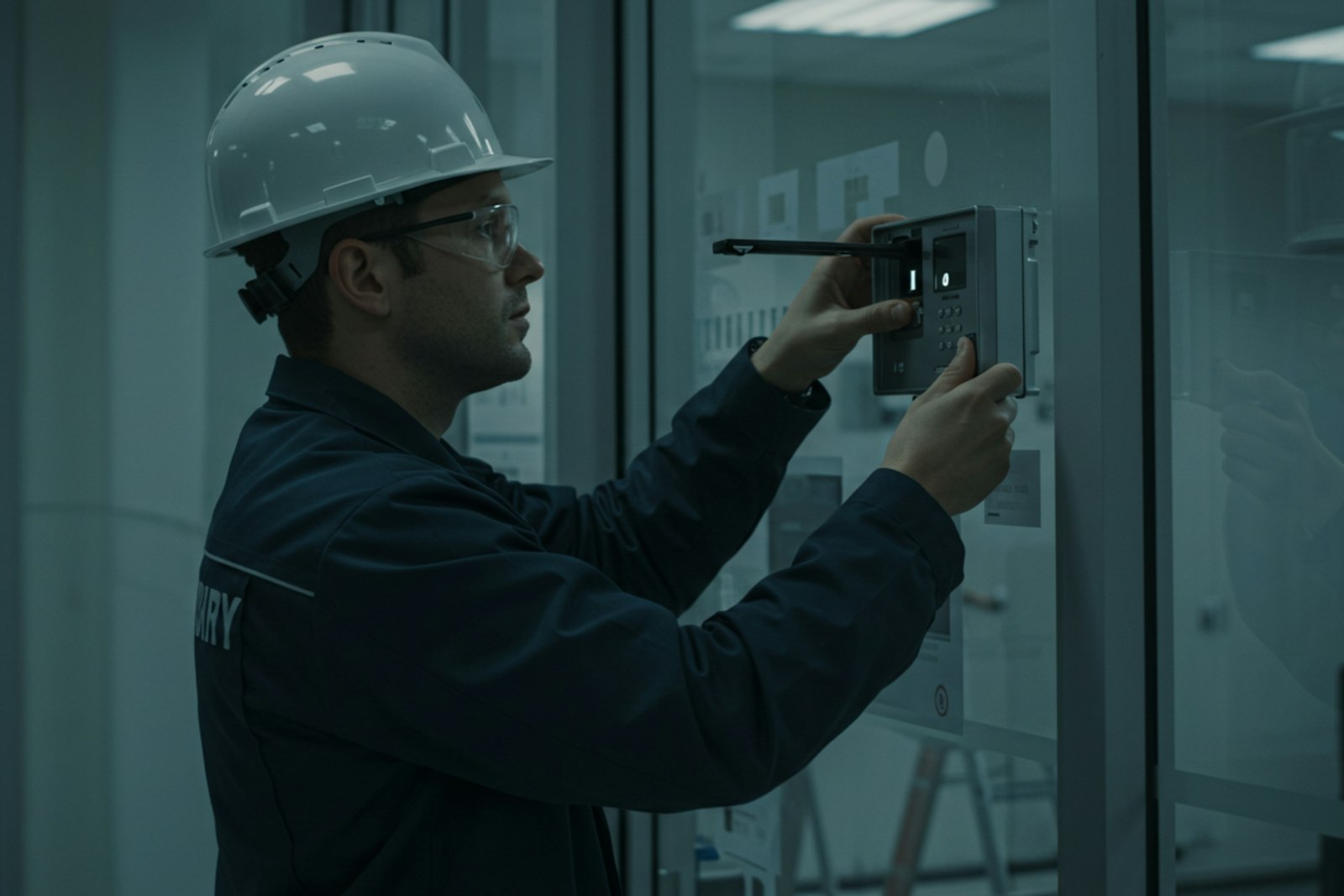
Devices tagged right from the first install
aQ Atria commissions each meter and sensor to its site, floor and zone, so Core holds an accurate record from day one.
Learn more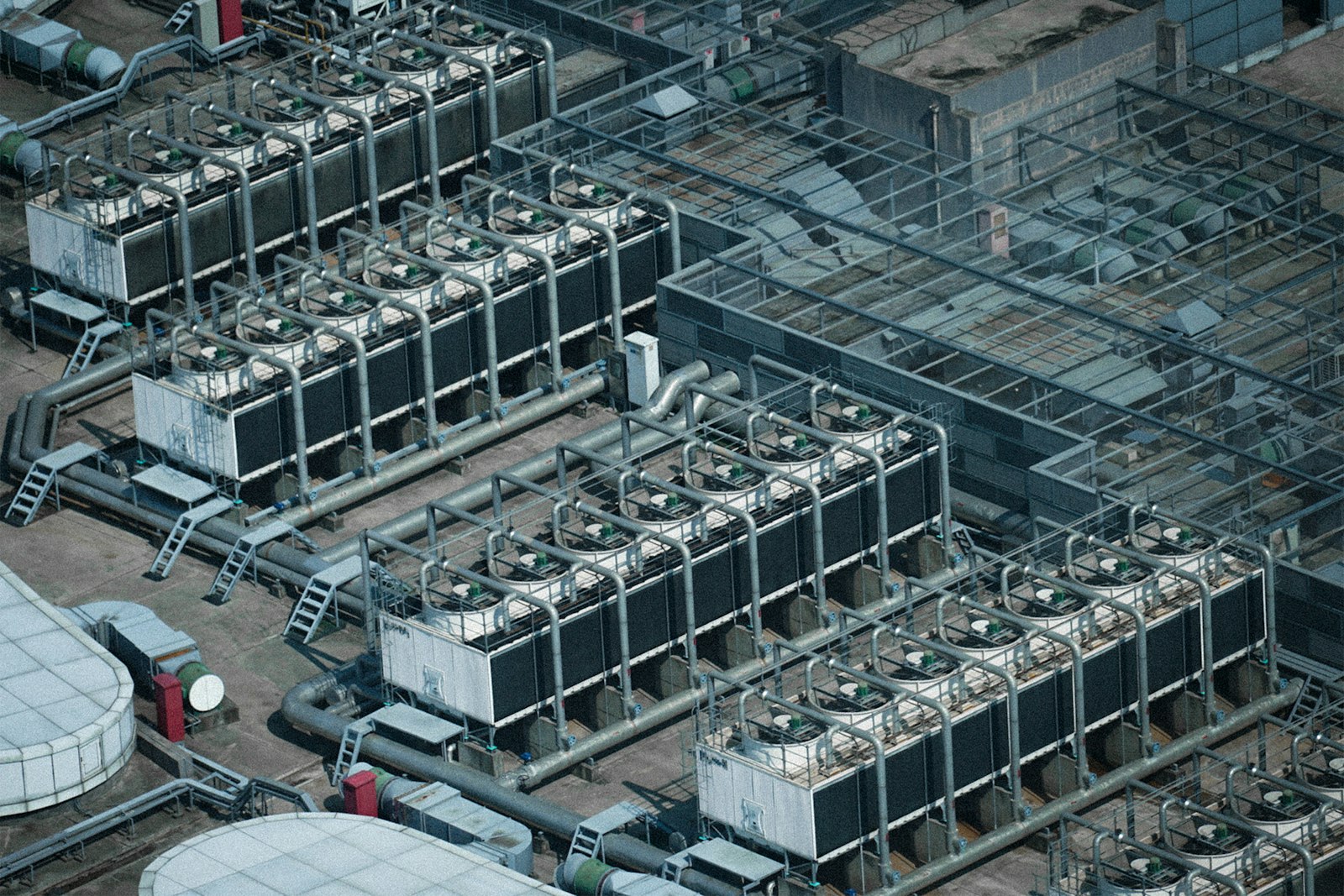
Read the BMS points you already have
Core reads BMS and BAS points over BACnet or Modbus alongside new meters, so existing systems add to the model instead of sitting apart.
Learn moreRelated
Common questions
A building data platform collects readings from meters, sensors and equipment across your sites and stores them in one model. In Aqueduct, that layer is aQ Core, and every outcome reads from it.
No. Core locates, ingests and stores data. Control of equipment is handled by Smart Controls, only where control is enabled and with owner approval.
Anything that emits telemetry. That includes smart water meters, electricity meters, gas meters and air quality sensors, with vibration and acoustic sensors being added.
Open the device Health tab. It shows connection rate and battery or capacitor voltage, so you know which sensor at which location needs attention.
No. Core connects existing meters, sensors and equipment first. Partners add sensing only where the site is blind.
See Aqueduct on your own facility.
Bring a site, a utility bill or a question. We will show you where the loss is.