Cut waste and demand, verified at the meter.
You pay for peaks, for poor power factor and for equipment that runs when nobody is there. Aqueduct shows every source and feeder live, sequences the big loads and proves the saving against a weather normalized baseline.
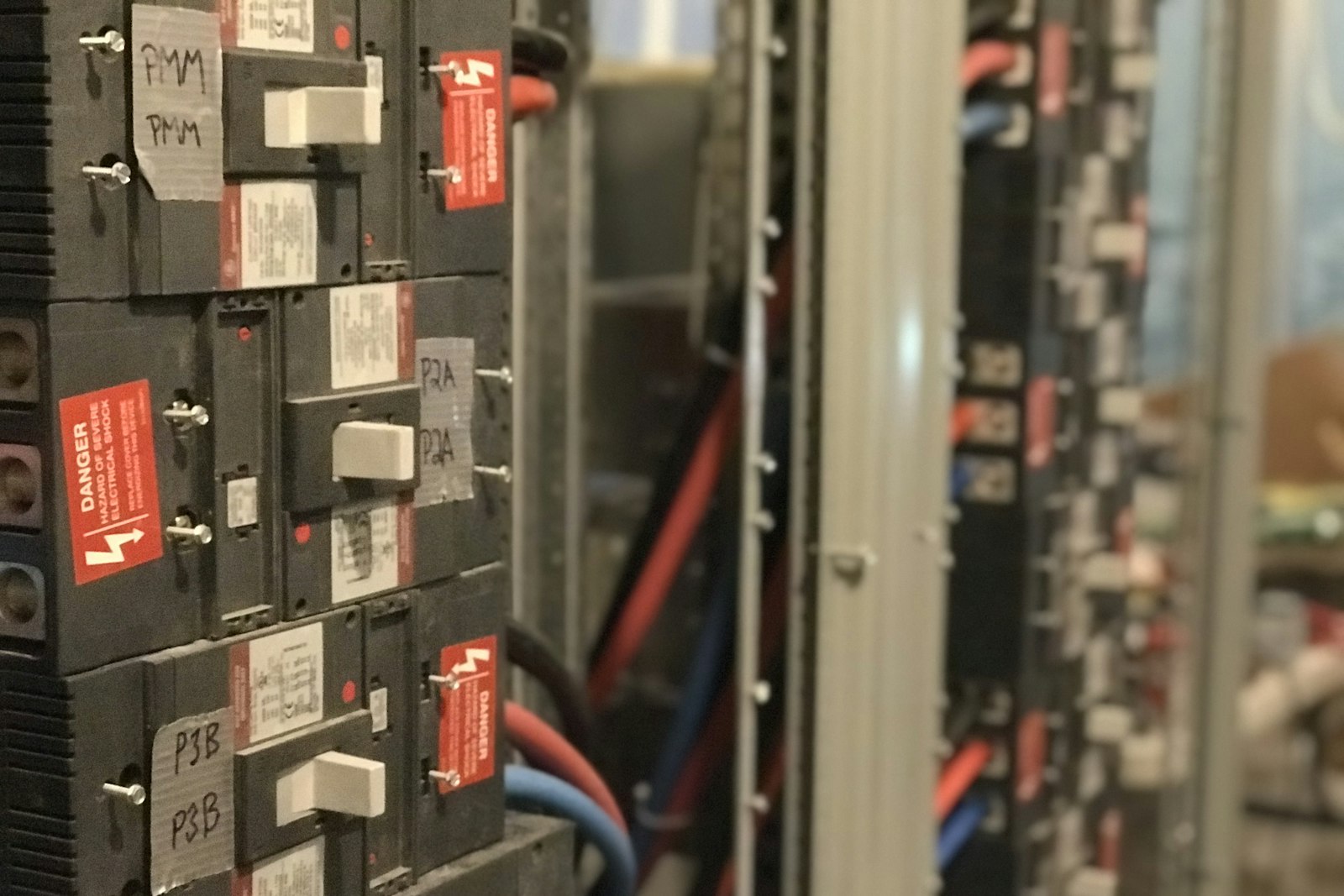
Cut waste and demand, and verify every saving at the meter.
Whole-site energy split by source and load
- Single line, live
Sources, switchboard and feeders appear on the electric twin, color coded by loading and power factor.
- Energy balance
Grid, solar and backup equal HVAC, lighting, plugs, services and losses, so waste is attributed.
- Gas included
Gas is tracked in cubic meters and therms, so both volume and energy content are visible.
Big loads sequenced, where control is enabled
- Stagger and pre-cool
Start-ups are staggered and spaces pre-cooled so the site stays under its demand target.
- Occupancy driven schedules
Schedules and automations follow occupancy from sensors or schedules, under owner-approved rules.
- Auditable commands
Lockouts prevent short cycling, and command history shows whether every command executed.
Savings weather normalized, priced and verified at the meter
- Adjusted baseline
Regression on usage plus cooling and heating degree days sets the expectation before the claim.
- Bills checked
Supplier bills are checked against your meters, and usage changes are separated from rate changes.
- Metrics for reports
Verified results export as monthly metrics for the reports and certifications your team files.
Energy, before and after Aqueduct
- The bill says what the site used, never why.
- Chillers, compressors and lighting all start at once.
- Poor power factor adds cost that nobody sees.
- Savings claims fall apart when the weather changes.
- Supplier bills are paid without being checked.
 The Aqueduct way
- The single line shows every source, feeder and load live.
- Big loads are sequenced under owner-approved rules.
- The power triangle shows reactive waste on every node.
- Weather normalized baselines make every saving defensible.
- Every bill is checked against your own meters.
The bill tells you what happened. Not why.
Energy waste sits in demand peaks, power quality and savings that nobody can prove.
Peaks you pay for
When chillers, compressors and lighting all start together, the site jumps into a higher demand band.
Power you never use
When current and voltage are out of phase, apparent power rises. You use more infrastructure and pay for more than you get.
Savings nobody believes
Year over year comparisons ignore weather, so real savings and real waste look the same on paper.
Every feeder, every peak, every saving verified.
The same loop, applied to electricity and gas.
Monitor
The main meter and sub-meters per feeder, across grid, rooftop solar and diesel backup. Gas in cubic meters and therms.
Measure
A live energy balance: grid, solar and backup equal HVAC, lighting, plugs, services and losses. EUI and carbon every day.
Identify
Peaks, power factor, loading as a percent of rated kVA per feeder, system losses and meters that stopped reporting.
Act
Load sequencing, schedules and occupancy-based automations where Smart Controls are enabled. Tickets for everything else.
Verify
Savings against a baseline built from history and cooling and heating degree days. Supplier bills checked against your meters.
Closing the energy balance, one level at a time
The equation every level must satisfy
At any node on the single line, power in equals the metered loads below it, plus whatever is unmetered, plus losses. On the aQ EnergySmart electrical twin the top line reads grid import plus solar plus backup generation equals HVAC, lighting, plugs, services and losses, in kW, with kVAR, kVA and power factor underneath. The same test is then repeated at every level beneath the incomer.
Incomer to main switchboard
The utility meter and the main LV switchboard meter should agree within the transformer loss. Aqueduct carries a transformer loss estimate and system losses on the twin, so a gap larger than that estimate points at the incomer metering, a CT ratio set wrong or an unmetered tap ahead of the switchboard.
Main switchboard to sub-main boards
The MSB outgoing feeders are summed against the MSB total. A remainder here usually means an outgoing feeder with no meter, often a later addition such as an EV charger, a kitchen extension or a tenant fit-out. Sub-metering coverage is printed on the twin, so the team sees what share of the load is actually explained.
Sub-main boards to distribution boards and loads
HVAC, lighting and plug feeders are closed against the boards that feed them, down to named equipment such as an RTU or a chiller. Each block shows loading as a percentage of rated kVA and its power factor, color coded, and NO DATA where a meter has stopped reporting, so a gap caused by a dead meter is never mistaken for waste.
Reading the unexplained remainder
A remainder that is flat around the clock is usually an unmetered constant load or a metering error. One that follows the working day is unmetered equipment in use. One that rises with outdoor temperature is unmetered cooling. One that appears overnight, when the site should be quiet, is the most valuable to chase, because it is energy nobody asked for.
Chiller plant optimization, in the plant room's own terms
In hot climates cooling dominates the bill: up to 80 percent of a UAE building's electricity demand goes to cooling, according to Heriot-Watt University. These are the variables a chief engineer tunes, and what Aqueduct measures for each.
kW per ton, kW/kWr and COP from measured data
Plant efficiency is electrical input divided by cooling delivered. Cooling in tons is chilled water flow in gpm times delta T in degrees F, divided by 24; in metric terms, kWr is flow times specific heat times delta T. COP is the inverse of kW/kWr, or 3.517 divided by kW per ton.
- Chiller kW from the feeder meter, cooling from BTU meter flow and header temperatures
- Per chiller where feeders allow, and whole plant including pumps and tower fans
- Trended against load and condenser conditions, never read as a single number
- Measured
- feeder kW, CHW flow, supply and return temperature
- Derived
- kW per ton or kW/kWr, COP, plant kW per ton
- Aqueduct
- tracks each chiller against its own baseline curve
Chilled water supply temperature reset
Every degree the chilled water setpoint can rise reduces compressor lift. The limit is the hardest working coil: once its valve is near fully open, the reset has gone far enough. Dehumidification is the other limit, because warmer chilled water removes less moisture.
- Reset driven by coil valve positions, not by outdoor temperature alone
- Space dew point or return humidity held as a hard limit
- In variable flow plants, added pump energy is counted against the chiller saving
- Measured
- CHW supply temperature, valve positions, return humidity
- Watch
- pump kW rising faster than chiller kW falls
- Aqueduct
- recommends the reset, or applies it where control is enabled, with owner approval
Condenser water reset and cooling tower approach
Colder condenser water lowers lift and chiller kW, but costs tower fan energy. The right setpoint is where chiller plus tower fan kW is lowest, and it moves with wet bulb. Tower approach, leaving tower water temperature minus ambient wet bulb, shows whether the tower can deliver it.
- Approach rising at similar load points to fouled fill, poor water distribution or a fan problem
- Chiller minimum entering condenser temperature respected
- Condenser approach on the chiller trended for tube fouling
- Measured
- CW supply and return, wet bulb where sensed, tower fan kW
- Derived
- tower approach, combined chiller and tower kW
- Aqueduct
- shows the combined optimum against what the plant is running
Staging and sequencing
Most chillers are most efficient somewhere in the middle of their range, not at full load. Staging decides when the next chiller starts and stops; sequencing decides which machine leads. Both should follow measured efficiency curves, not runtime rotation alone.
- Measured kW per ton by load band for each chiller
- Stage up only when load, not low delta T, demands it
- Runtime balanced across machines within the efficiency rule
- Measured
- load in tons, kW per chiller, run status and runtime
- Derived
- efficiency curve per machine
- Aqueduct
- flags extra chillers running for the load
Delta T and low delta T syndrome
Chillers are selected for a design delta T. When return water comes back too cold, each chiller cannot load fully, so an extra chiller and its pumps start to carry the same load. The usual causes are coil valves that do not close, three way valves, fouled coils and AHU setpoints lower than the coils can reach.
- Delta T trended against load, so the fault shows as a pattern
- Decoupler flow direction watched in primary and secondary plants
- The AHUs pulling the loop down identified by valve position and supply air temperature
- Measured
- supply and return temperatures, flows, valve positions
- Risk
- extra chillers and pumps for no extra cooling
- Aqueduct
- names the coils driving the low delta T
Primary and secondary versus variable primary flow
Primary and secondary plants run constant flow through the chillers and vary flow to the building, with a decoupler between them. Variable primary plants vary flow through the chillers themselves, which saves pump energy but has to protect each chiller's minimum flow with a bypass.
- Primary and secondary: decoupler reverse flow is the sign of low delta T
- Variable primary: bypass valve open time and chiller minimum flow
- Loop differential pressure setpoint reset as valves allow
- Measured
- pump kW and speed, loop differential pressure, bypass flow
- Derived
- pump kW per ton of cooling
- Aqueduct
- shows pumping energy as part of plant efficiency
Where AHU energy hides
An AHU can hold every zone in comfort and still waste a large share of the energy it uses. These are the points a controls engineer checks, and what Aqueduct reads at each, over BACnet or Modbus through the field device network controller.
Supply air temperature
A fixed low supply air setpoint overcools, then VAV reheat warms the air back up.
Supply air temperature, zone temperatures, reheat valve positions
Recommends supply air temperature reset from zone demand, with humidity as the limit
Duct static pressure
A fixed static setpoint keeps the fan fast while most VAV dampers sit half closed.
Duct static pressure, fan speed and kW, VAV damper positions
Resets static pressure until the most open damper is nearly fully open
Economizer
A stuck damper or a wrong high limit throws away free cooling, or brings in hot humid air.
Outdoor, return and mixed air temperatures, damper command and position
Checks damper command against feedback and mixed air against what the damper says
Outdoor air and CO2
Outdoor air held at the design rate is heated or cooled for people who are not there.
Zone CO2, occupancy, outdoor air damper position
Demand-controlled ventilation on CO2, with the area based minimum kept
Schedules and occupancy
Units run on a schedule set years ago, through holidays and empty floors.
Run status against occupancy from sensors or defined schedules
Occupancy-driven rules per site, floor or zone, where control is enabled
Simultaneous heating and cooling
Heating and cooling valves open together, or reheat fights cold supply air.
Heating and cooling valve positions, preheat and reheat status
Flags overlap with time and duration as a standing finding
Coils
A fouled or air bound coil needs a fully open valve to hold supply air, and drags down loop delta T.
Valve position against supply air temperature, coil leaving water temperature
Shows valve saturation at loads the coil should carry easily
Filters
Rising pressure drop costs fan energy every hour; changes on a calendar waste filters or fan power.
Filter differential pressure, fan kW and speed
Maintenance alerts triggered on measured pressure drop, including from a linked sensor
Rooftop units read component by component
The RTU twin in Smart Controls represents the unit's physical components and operating states, not a list of points. This is what each component reports and what goes wrong with it.
| Component | States read | What goes wrong | What Aqueduct shows |
|---|---|---|---|
| Control panel | Mode: heat, cool, auto, fan; lockout warning | Unit left in the wrong mode after service | Mode against schedule and occupancy |
| Compressor | Status, stage, cooling setpoint, supply air temperature | Short cycling, a stage failing to start | Short-cycle events and setpoint attainment |
| Heating section | Heating status, heating setpoint, supply air temperature | Heat and cool alternating in one day | Mode changes and runtime share per component |
| Supply fan | Fan status, speed, fan overrun | Fan running 24 hours on an occupied schedule | Fan runtime against occupancy |
| OA damper and mixing | Vent minimum, outdoor air temperature, damper percentage | Damper stuck, economizer never enabled | Damper command against position and mixed air |
| Zone and return | Zone temperature, return air temperature | Thermostat in a poor location or a narrow deadband | Comfort compliance per zone |
| Short cycling | Starts per hour, on and off durations | Oversized stage, narrow deadband, low airflow or charge problems | Lockouts block new commands mid-action; events counted |
| Split systems | Run status from a relay or controller, room temperature | Units left on in empty rooms | Occupancy rules through LoRaWAN relays, where control is enabled |
What the tariff charges for, and the levers against each charge
An electricity bill is usually several charges stacked together. Each has a different physical cause, so each needs a different lever.
The single highest interval
Many commercial tariffs charge for the highest average demand in any one metering interval in the billing period, and some carry it into later months. One bad interval, often a morning start, can set the charge for the month.
- Facility load in kW with the 24 hour demand curve on the twin
- The interval that set the peak, and which feeders made it
- Contracted or target demand drawn on the same chart
- Measured
- interval kW or kVA at the incomer
- Lever
- stagger starts, pre-cool, shed non-critical loads
- Aqueduct
- shows the coming peak and the loads behind it
Billing on apparent power
Where demand is billed in kVA, as is common under Indian tariffs with a contract demand, poor power factor raises the billed demand even when real power stays the same. Exceeding the contract demand can bring its own penalty.
- kW, kVAR and kVA side by side at every node
- Peak kVA against contract demand
- The feeders whose reactive load lifts the peak
- Measured
- kVA, kW, kVAR at incomer and feeders
- Lever
- power factor correction and load sequencing
- Aqueduct
- shows kVA headroom against the contract
Reactive power and the power triangle
When current and voltage are out of phase, apparent power rises above real power. Cables, transformers and switchgear carry current that does no work, and the tariff may add a reactive penalty. The twin draws the power triangle for any node, with the phase angle.
- Power factor per feeder, color coded on the single line
- Reactive penalty shown in the twin footer
- Capacitor bank stages checked against the power factor they should hold
- Measured
- PF, kVAR, kVA per node
- Lever
- correct at the feeders with the worst angle
- Aqueduct
- locates reactive load by feeder
Moving energy out of expensive hours
Under time of use rates, the same kWh costs more in peak windows. Pre-cooling before the window, running pumping and charging outside it, and sequencing refrigeration away from other big loads shifts cost without cutting service.
- Usage split by tariff band from rate configuration
- Schedules that move flexible loads out of peak bands
- Every schedule change logged in command history
- Measured
- kWh by interval and tariff band
- Lever
- schedules, pre-cooling, staggered starts
- Aqueduct
- prices each band with your own rates
Grid, solar and backup generation
Many Indian sites run grid, rooftop solar and a diesel generator together. Knowing the hour by hour split lets the site run flexible loads when solar is producing and schedule backup generation or batteries against the peak.
- Each source with active power and power factor on the twin
- Solar output against facility load
- Generator run hours and output recorded
- Measured
- grid import, solar generation, generator output
- Lever
- align flexible loads with solar, schedule storage
- Aqueduct
- one balance across all three sources
Feeder loading against rating
Each feeder shows its load as a percentage of rated kVA. A feeder running near its rating is a capacity risk; one running very lightly may hide oversized plant or poor power factor on a small load.
- Percentage of rated kVA per feeder
- Loading trended, not read once
- Headroom known before new load is added
- Measured
- kVA per feeder against nameplate
- Lever
- rebalance loads before adding capacity
- Aqueduct
- green, amber or red on the single line
From degree days to money: how the baseline is built
Assemble the history
Six to twelve months of consumption, from meters already running or from uploaded utility bills. Six months is the minimum. Bills mean a new site gets performance results on day one instead of after a year of monitoring.
Pull the weather for the site
Historical weather for the site's location is fetched for the baseline period, and live weather after that. Cooling degree days are degrees above a reference temperature multiplied by the days that held; heating degree days are degrees below it.
Fit the regression
Consumption is regressed against cooling and heating degree days, in the form expected use equals a base load, plus a coefficient times CDD, plus a coefficient times HDD. The base term is what the site uses regardless of weather. The coefficients are how hard it works per degree day.
Compare actual with expected
Each period, the model gives expected use for the weather that actually happened. Below the adjusted baseline is saving; above it is waste. A hot month no longer looks like failure, and a mild one no longer looks like progress.
Price the difference
Rate configuration, taken from your own bills, turns the kWh or therm difference into money. Bill analysis separates a cost change caused by usage from one caused by a rate change, so a tariff increase is never mistaken for waste.
Proving a saving: the IPMVP options, and where each fits
The International Performance Measurement and Verification Protocol describes four ways to determine savings. The choice depends on the measure, the metering available and how much certainty the parties need.
| Option | What is measured | Where it fits | How Aqueduct supports it |
|---|---|---|---|
| A: retrofit isolation, key parameter | The parameters that define the measure, others estimated | Simple, predictable measures such as a lighting retrofit | Feeder or device data for the key parameter |
| B: retrofit isolation, all parameters | All energy use of the affected equipment, continuously | A chiller, a VFD, an RTU under Smart Controls | Equipment baseline first, then savings against it |
| C: whole facility | The utility or main meters for the whole site | Several measures with interacting effects | Weather-normalized site baseline from meters or bills |
| D: calibrated simulation | A building model calibrated to measured data | New construction or no usable baseline | Measured data to calibrate the model against |
| Routine adjustments | Weather and other independent variables | Every option, every period | CDD and HDD regression per site |
| Evidence trail | What was changed, and when | Any savings claim under scrutiny | Command history shows each command and whether it executed |
Sources3 references cited on this page
- Heriot-Watt University: Retrofit options to reduce climate change impacts on UAE buildings
- Efficiency Valuation Organization: International Performance Measurement and Verification Protocol (IPMVP)
- ASHRAE: New guideline on standardized advanced sequences of operation for common HVAC systems (Guideline 36)
Your single line diagram, live.
Utility supply, solar, generators, the main switchboard and every feeder, color coded by power factor and loading. A power triangle and 24-hour demand for any node you select.
Stay under the contracted limit.
See when the site draws the most and sequence the big loads so they do not all start at once. Batteries, solar and backup generation can be scheduled against the curve.
Check every supplier bill against your own meters.
Compare what you are asked to pay with what your meters recorded, separate usage changes from rate changes, and use the same data to prove savings after a project.
Verified at the meter, not estimated.
Energy results from live sites.
energy savings customers see.
commercial real estate portfolio client.
Where teams put it to work
Building portfolios compared on fair terms
Across a commercial real estate client's 20M+ sq ft portfolio, weather normalized baselines let owners rank buildings and act on the ones above expected use.
Learn more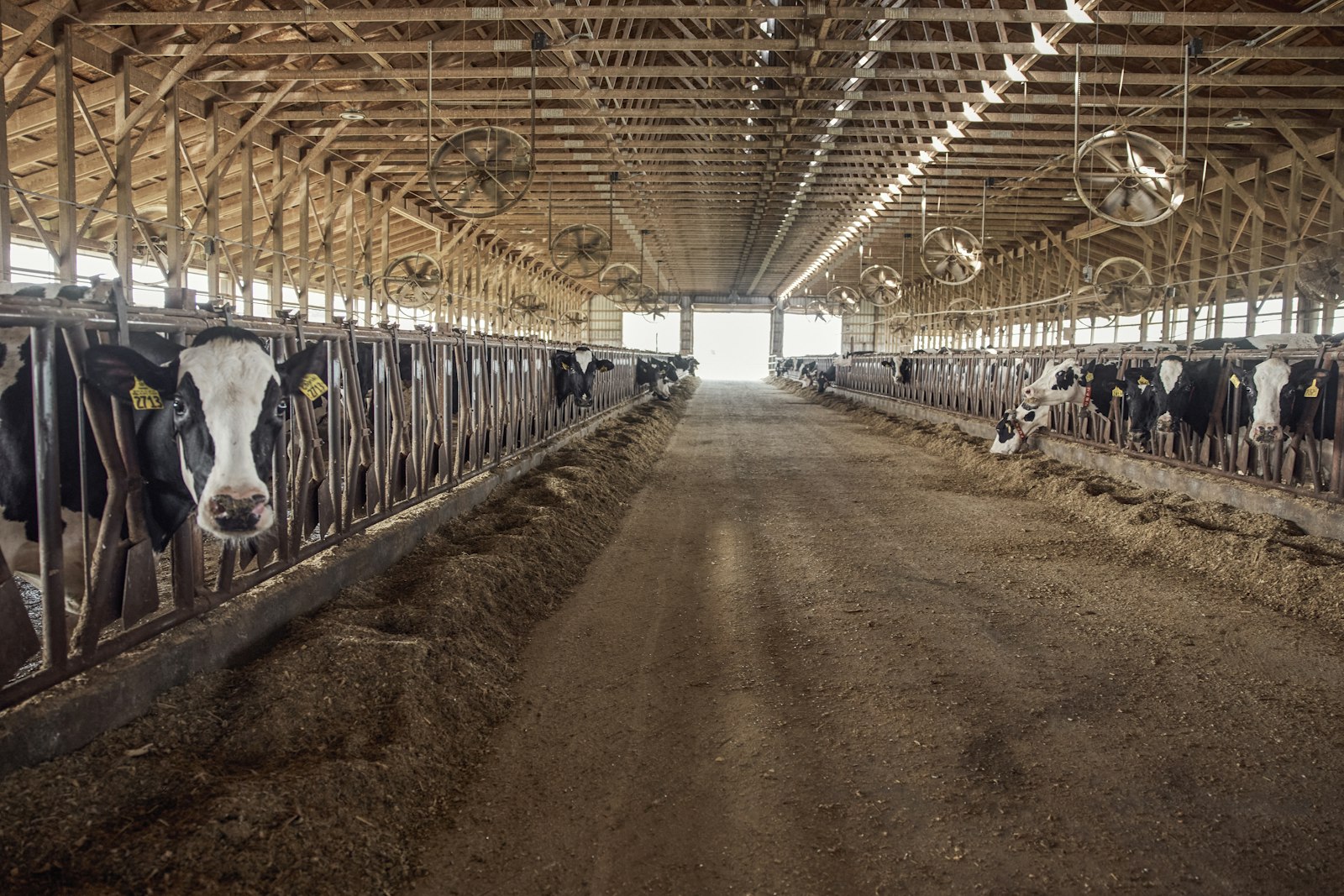
Refrigeration and processing loads
Compressors, refrigeration and processing are metered and sequenced. Major dairy operations run on Aqueduct.
Learn more
Cooling energy with a name
Cooling plant, distribution losses and power factor are shown on the single line, so efficiency work stays away from the IT load.
Learn moreWater, energy, air and operations on one platform.
Common questions
Yes. Keep your BMS and Aqueduct works across it, or replace building management and energy management on one platform.
Electricity by default, and gas in both cubic meters and therms.
Against an expected baseline built by regression on your historical use and cooling and heating degree days, then converted to money through your rate configuration.
Where Smart Controls are enabled, through LoRaWAN relays or Modbus and BACnet field devices, with an auditable command history.
It is load the meters below a node do not account for. Its shape tells you the likely cause: flat around the clock suggests an unmetered constant load or a metering error, a weather shaped remainder suggests unmetered cooling, and an overnight remainder is usually equipment nobody switched off.
It divides chiller electrical input from the feeder meter by cooling delivered, calculated from BTU meter flow and the chilled water supply and return temperatures. The figure is trended against load and condenser conditions, so a change in efficiency is not confused with a change in operating point.
Yes, where chilled water temperatures and flows are measured. Delta T is trended against load, and coil valve positions and supply air temperatures identify the air handlers pulling the loop down.
Yes. Real, reactive and apparent power are shown at every metered node, so peak kVA can be tracked against a contract demand, and the feeders whose reactive load lifts it can be found.
That depends on the measure and is agreed by the parties. Aqueduct supplies the measured data for whole facility baselines with weather adjustment, equipment level baselines for retrofit isolation, and a command history showing what was changed and when.
See Aqueduct on your own facility.
Bring a site, a utility bill or a question. We will show you where the loss is.